Guide
ngrok says tunnel already running (ERR_NGROK_108 / ERR_NGROK_334)? Here's the fix
July 15, 20264 min read
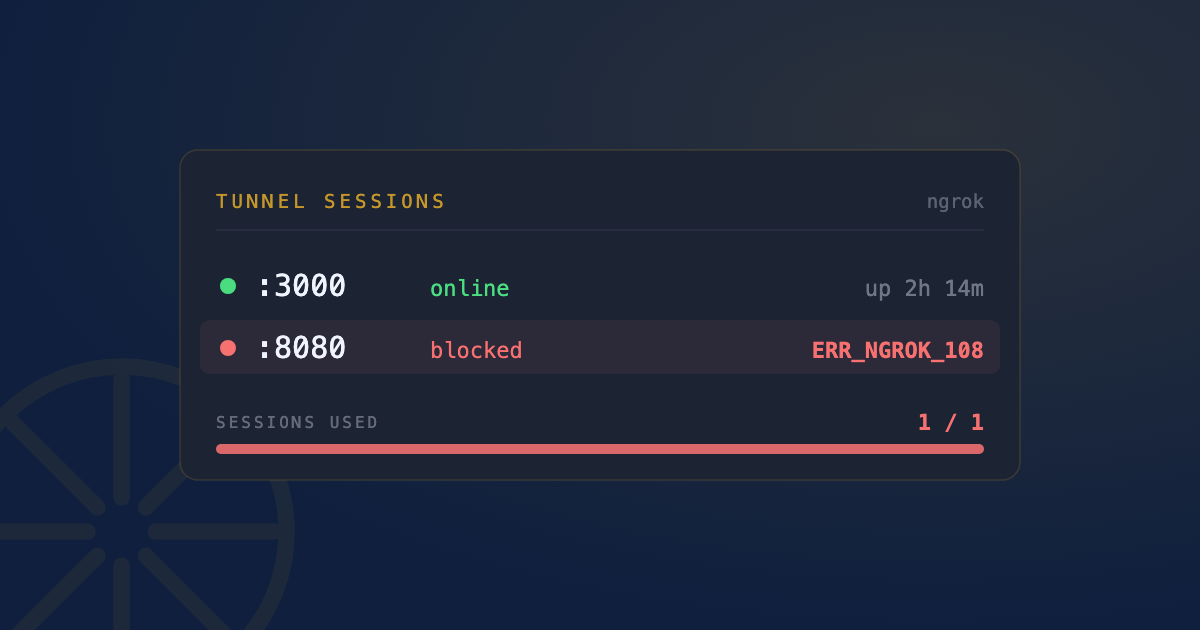
You run ngrok http 3000 and instead of a tunnel URL, you get:
ERROR: authentication failed: Your account is limited to 1 simultaneous ngrok agent session.
ERR_NGROK_108
Or:
ERROR: The tunnel session ... is already bound to another tunnel session.
ERR_NGROK_334
Nothing looks wrong on screen, no terminal window showing an active tunnel, and yet ngrok insists one is already running. It almost always is, just not where you’re looking.
What these errors actually mean
Both come down to the same root cause: ngrok’s free tier allows exactly one active agent session at a time. ERR_NGROK_108 is the account-level limit message. ERR_NGROK_334 is the tunnel-collision version of the same thing. If you started ngrok http 3000 yesterday in a terminal tab, then closed the tab without pressing Ctrl+C, or a script crashed without cleaning up, the ngrok process is still running in the background, still holding your one allowed session, invisible unless you go looking for it.
Find the orphaned process
pgrep ngrokpgrep returns the PID of any running ngrok process, if one exists. For more detail (full command line, how long it’s been running):
ps aux | grep ngrokKill it
Once you have confirmation it’s running:
killall ngrokkillall matches by process name, so it doesn’t matter which terminal tab or script started it, or whether that tab is even still open. If you’d rather target it by PID (useful if killall reports “No matching processes”):
kill -9 $(pgrep ngrok)Retry ngrok http 3000 after either one. If the error is gone, that was the whole problem.
Confirm what’s actually tunneling right now
Before killing anything, or to double-check afterward, ngrok exposes a local API that lists every active tunnel on the running agent:
curl -s http://127.0.0.1:4040/api/tunnelsThis hits ngrok’s own local web interface, not the internet, so it works even if you don’t remember which port you tunneled. If curl fails to connect at all, no ngrok agent is running locally, and the conflict is coming from somewhere else entirely (a different machine on the same account, or a teammate’s session).
When port 4040 itself is the problem
ngrok’s local web interface and API run on port 4040 by default. If something else already has that port, ngrok’s dashboard won’t start, even though the tunnel itself might be working fine. Check what’s on it the same way you would any other port conflict:
lsof -i :4040If you need 4040 free for something else, point ngrok’s dashboard at a different port with a web_addr setting in ngrok.yml, or pass --web-addr on the command line.
Preventing this going forward
The fix is almost always cleanup discipline: stop tunnels with Ctrl+C, don’t just close the terminal window or tab. If you’re starting ngrok from a script (common with pyngrok or similar wrappers), make sure the script calls the equivalent of ngrok.kill() in a finally block or on exit, not just on the happy path. A crashed script is exactly how a tunnel gets orphaned without anyone closing anything on purpose.
Worth remembering: an orphaned tunnel is still exposing your machine
This isn’t just an annoyance that blocks you from starting a new tunnel. Until it’s killed, that forgotten ngrok tunnel is still forwarding a public URL straight to whatever’s running on your local port, open to the internet, with no one watching it. A tunnel you forgot about is a tunnel nobody’s checking for unexpected traffic.
Quick FAQ
How do I check if ngrok is already running before starting a new tunnel?
curl -s http://127.0.0.1:4040/api/tunnels. If it returns tunnel data, one’s already active; if the connection is refused, nothing’s running locally.
killall ngrok says no matching processes, but the error persists.
The session might be on a different machine tied to the same ngrok account (teammate, CI runner, another Mac), which killall on your machine obviously can’t touch. Check the “Sessions” or “Endpoints” section of your ngrok dashboard online to find and stop it remotely.
Does this apply to Cloudflare Tunnel too?
The specific error codes are ngrok’s, but the underlying pattern, an orphaned agent process left running from a forgotten session, applies the same way to cloudflared. Look for it with pgrep cloudflared instead.
The port conflict isn’t ngrok at all, it’s my dev server. That’s a different, more common problem, covered step by step in Port 3000 already in use on your Mac.
See this instead of typing it
Bosun lives in your menu bar and shows every open port on your Mac, live, mapped to the process behind it. One-click kill, SIGTERM first. Useful the first time this happens. Genuinely useful the fifth time it happens in one afternoon.