Guide
Port 3000 already in use on your Mac? Here's how to actually fix it
July 15, 20264 min read
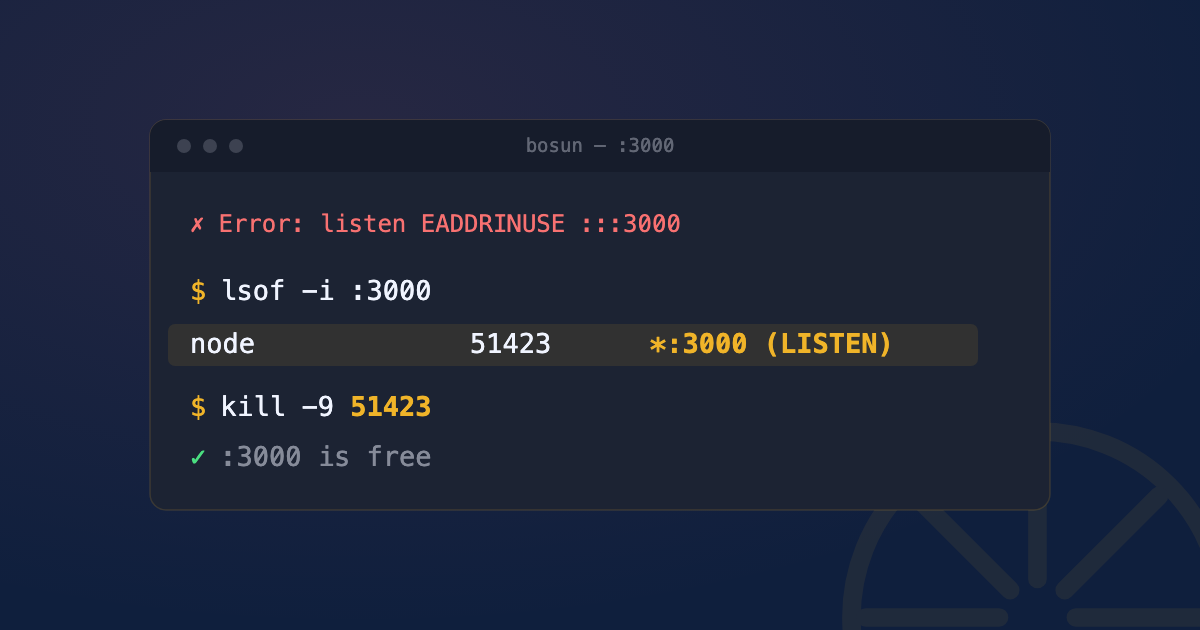
You run npm run dev, or rails server, or python manage.py runserver, and you get some version of:
Error: listen EADDRINUSE: address already in use :::3000Something is already listening on port 3000. macOS only lets one process bind to a port at a time, no exceptions, so your new server can’t start until whatever’s squatting there is gone.
What “address already in use” actually means
This isn’t your app being broken. It’s the operating system enforcing a basic rule: one port, one listener. Almost always the culprit is a previous run of the same dev server that didn’t shut down cleanly, a background process from another project using the same default port, or (less often) something unrelated that happens to be listening there.
Step 1: find out what’s using the port
Open Terminal and run:
lsof -i :3000lsof lists open files, and on Unix “everything is a file,” including network sockets. You’ll get output like:
COMMAND   PID   USER   FD   TYPE  DEVICE SIZE/OFF NODE NAME
node    41213    ben   22u  IPv4 0x...      0t0  TCP *:3000 (LISTEN)
The two columns that matter: COMMAND (what’s running) and PID (its process ID, unique per running process). If the port is owned by a process you don’t have permission to see, prefix with sudo:
sudo lsof -i :3000lsof -i :3000 came back empty, but the port is still occupied. Two usual causes. First, a permissions gap even sudo didn’t cover, in which case cast a wider net:
sudo lsof -iTCP -sTCP:LISTEN -P -n | grep 3000Second, an IPv4/IPv6 mismatch: something bound to [::1]:3000 (IPv6) won’t show up when you query the IPv4-only form. Try lsof -i6:3000 explicitly to check.
Step 2: kill it the right way
You have the PID. Now, don’t reach for kill -9 immediately, there’s a right order:
kill -15 41213kill -15 sends SIGTERM, a polite “please shut down” signal. A well-behaved process catches it, closes its database connections, flushes any pending writes, and exits cleanly. Give it a second.
If it’s still there, escalate:
kill -9 41213kill -9 sends SIGKILL, which the OS enforces immediately, no cleanup, no chance for the process to object. It always works, but it can leave things in a bad state, an open file lock, an unflushed write, a half-written cache. Use it when SIGTERM didn’t work, not as your default.
The one-liner everyone copy-pastes
You’ll see this everywhere:
lsof -ti :3000 | xargs kill -9-t tells lsof to output only the PID (no header, no extra columns), and xargs kill -9 feeds that straight into kill. It’s fast and it works, but now you know what it’s actually doing, and that it skips the SIGTERM step entirely. Fine for a dev server you don’t care about; less fine for something mid-write to a file.
Why this keeps happening
A few usual suspects:
- A crashed dev server that didn’t release the socket. Ctrl+C usually cleans up fine, but a hard crash or a suspended process (Ctrl+Z instead of Ctrl+C) can leave it bound.
- A zombie process from an earlier session you forgot was still running in another terminal tab.
- A Docker container publishing the same port (
docker pswill show it if so, and then usedocker stop <container>instead of killing the host process). - Two projects with the same default port (Next.js, Vite, Rails, and Express all default to a handful of common ports).
When it’s not your dev server at all
If lsof -i :5000 or :7000 shows ControlCenter as the owner, that’s not a rogue process, it’s macOS itself. Since Monterey, AirPlay Receiver listens on those ports by default. Turn it off in System Settings → General → AirDrop & Handoff → AirPlay Receiver if you need those ports free, or just pick a different port for your dev server.
Quick FAQ
Port 8080 already in use, same fix?
Yes, identical process, just swap the port number: lsof -i :8080, then kill -15 (or -9) on the PID you find.
kill -9 vs kill -15, which should I actually use?
Always try -15 (SIGTERM) first, wait a second, and only reach for -9 (SIGKILL) if the process is still alive. -15 gives the process a chance to clean up; -9 doesn’t.
Does this happen with Node specifically? The EADDRINUSE error is a Node.js/libuv message, but the underlying cause and fix are identical for Rails, Django, Vite, or anything else binding to a TCP port on macOS.
Does this work for other default ports, like Vite’s 5173 or Django’s 8000?
Yes, unchanged. Swap the port number in lsof -i :PORT and you’re following the exact same steps, whether it’s Vite (5173), Angular (4200), Django (8000), or anything else.
See this instead of typing it
Bosun lives in your menu bar and shows every open port on your Mac, live, mapped to the process behind it. One-click kill, SIGTERM first. Useful the first time this happens. Genuinely useful the fifth time it happens in one afternoon.